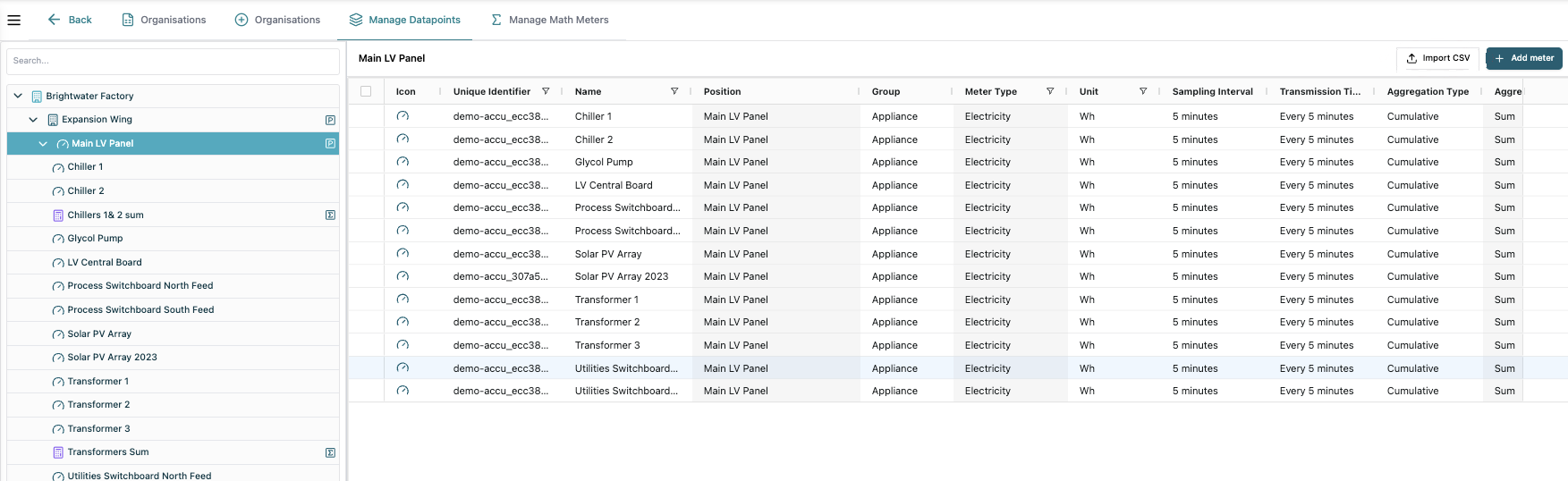
Build your whole meter tree from one file
Stop creating meters one at a time. Download the sample CSV, paste in your meter list straight from any spreadsheet, and upload it to set up every meter, and every math meter, in one step.
Book a call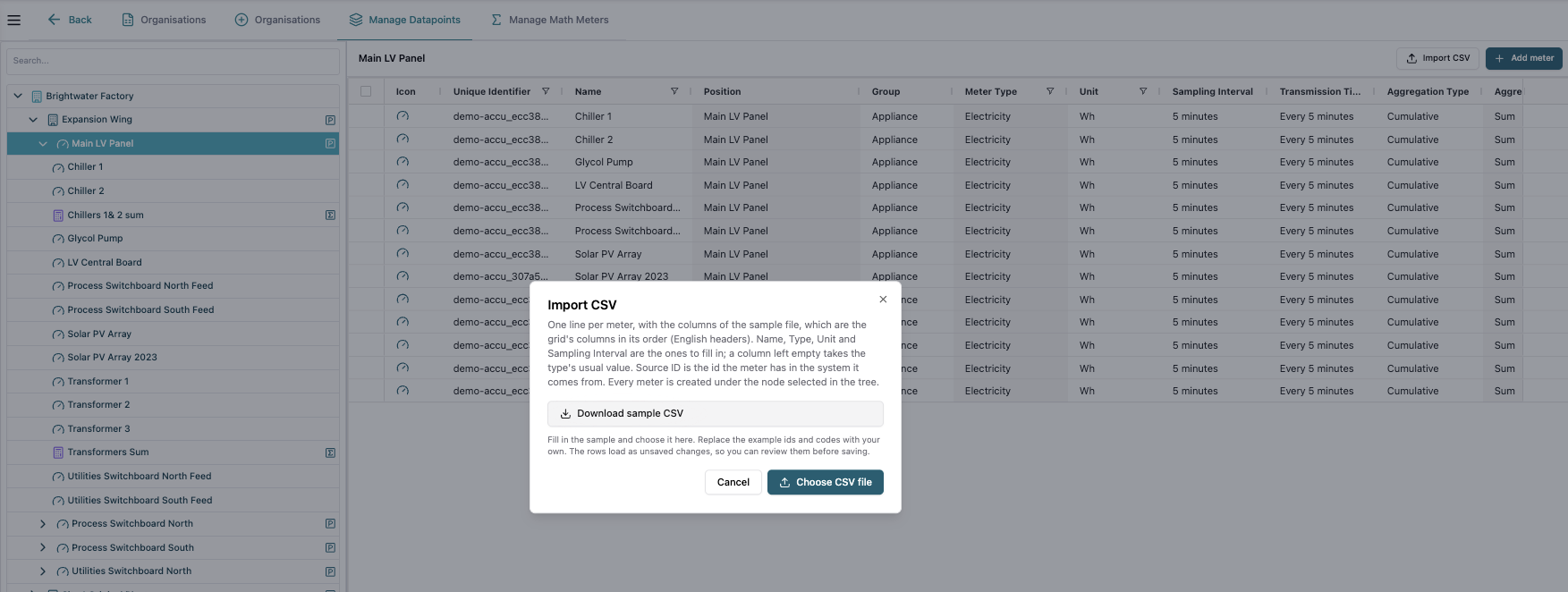
Your whole meter list, in the right shape
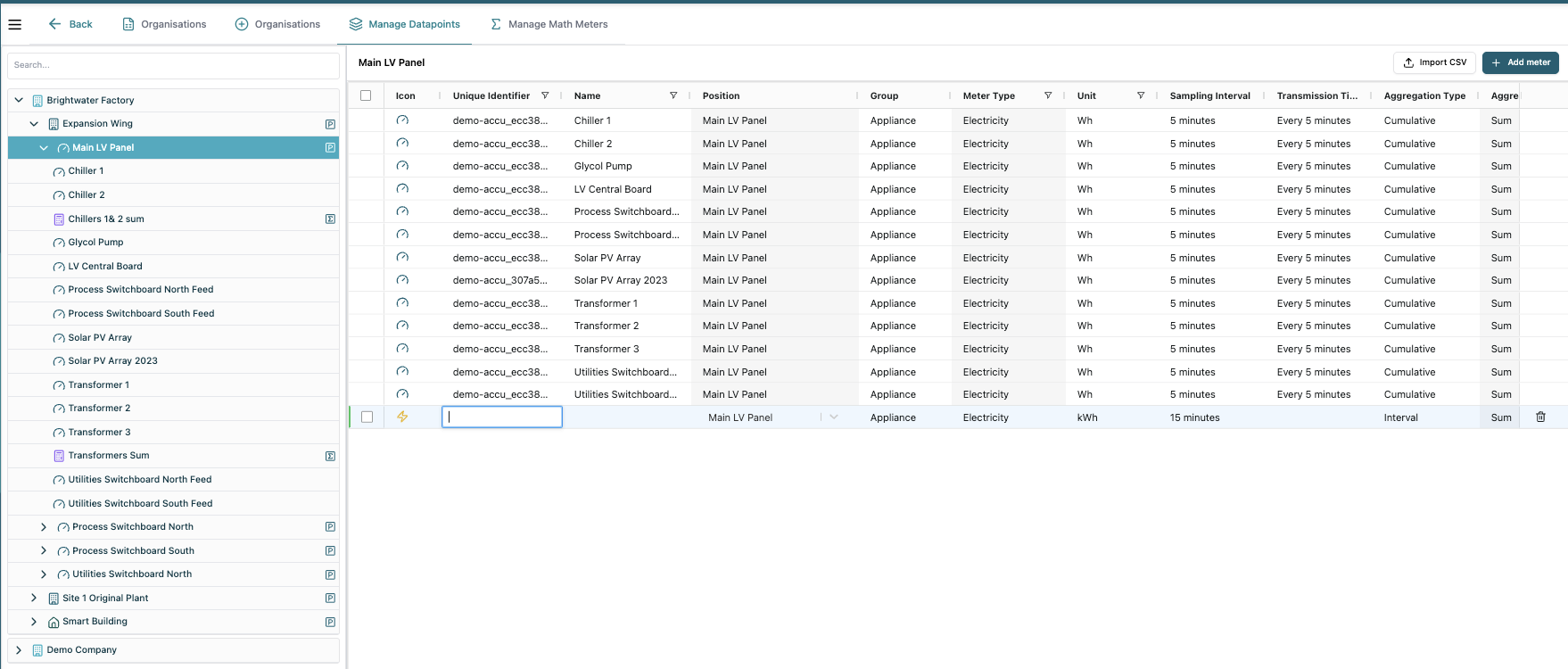
Download the sample CSV with the right columns already in place, then paste in your existing meter list, whether it’s ten rows or a thousand, or add meters one by one straight in the grid. Only Name, Type, Unit and Sampling Interval are required. Leave a column empty and it takes the usual value for that meter type.
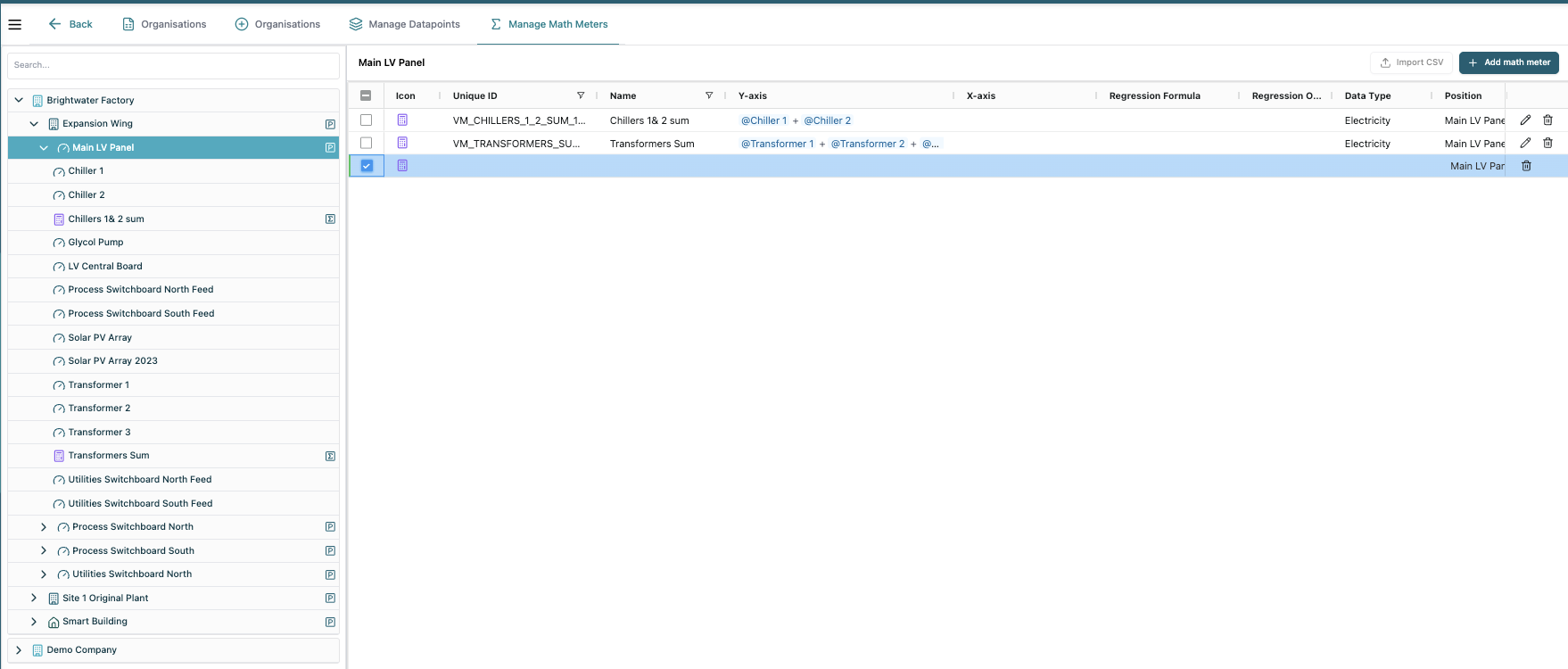
Calculated totals and formulas in bulk
Upload math meters from their own sample CSV. Write each formula using the meters it draws from, set where it sits in your tree, and include an existing math meter’s Unique ID to update it instead of creating a new one.
Check everything, then go live
Every uploaded row lands as an unsaved change, so you can look over the whole upload in the grid before saving. Add each meter’s ID from its previous system in the Source ID column, and moving from another platform stays easy to trace.